

Introduction
To enable Gravity SMTP to send messages via your Mailtrap account, you must provide the plugin with a Mailtrap API token. This step must be completed before configuring the Mailtrap Integration in Gravity SMTP. This article outlines the steps to generate a new API token from your Mailtrap account.
Refer to the API token documentation from the official Mailtrap website for more information and related articles.
Generating a New API Token
- Go to Settings → API Tokens in the Mailtrap dashboard.
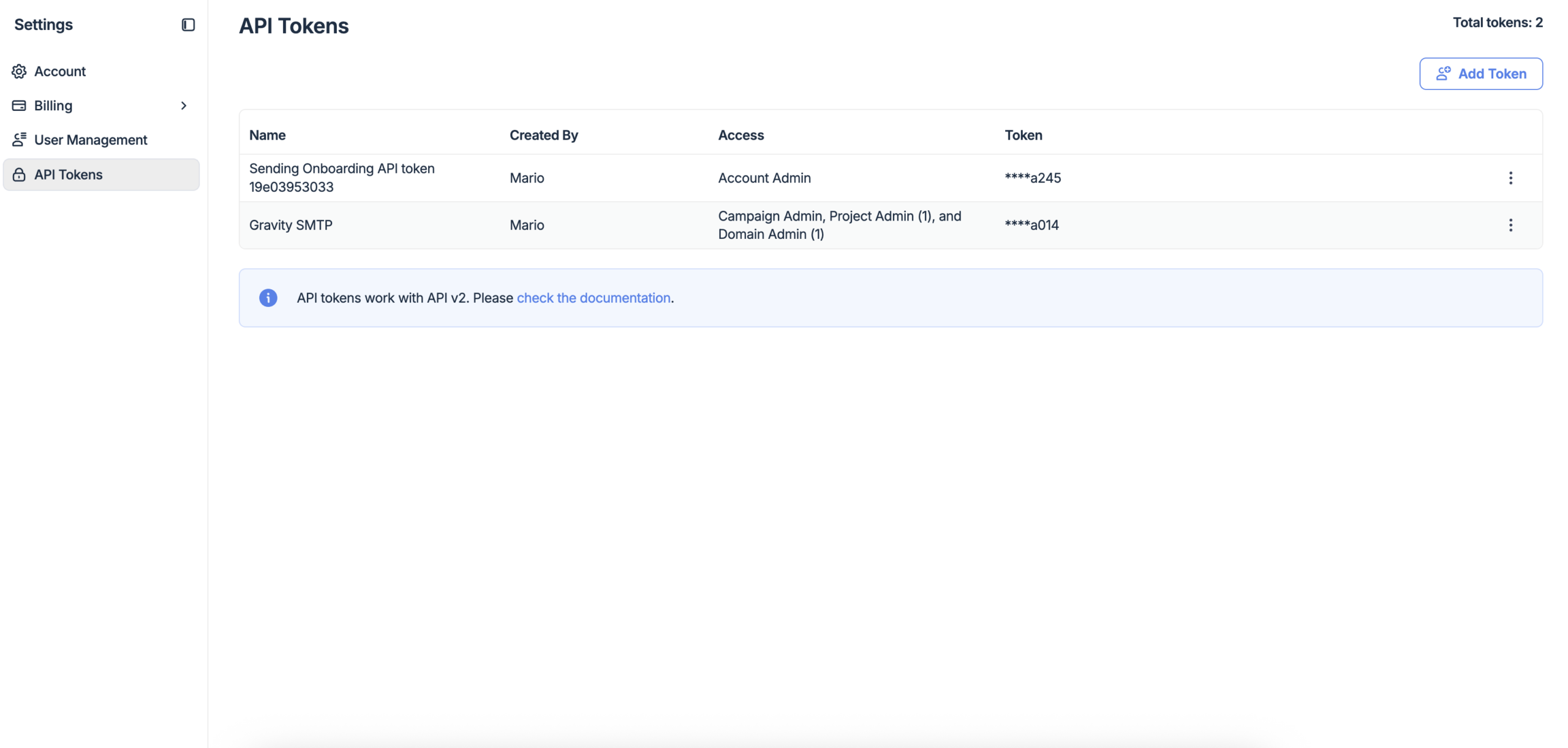
- Click Add Token in the upper-right corner.
- Enter a name for the token and assign permissions by checking the appropriate access level boxes. You must have admin permissions on the domain you intend to send from.
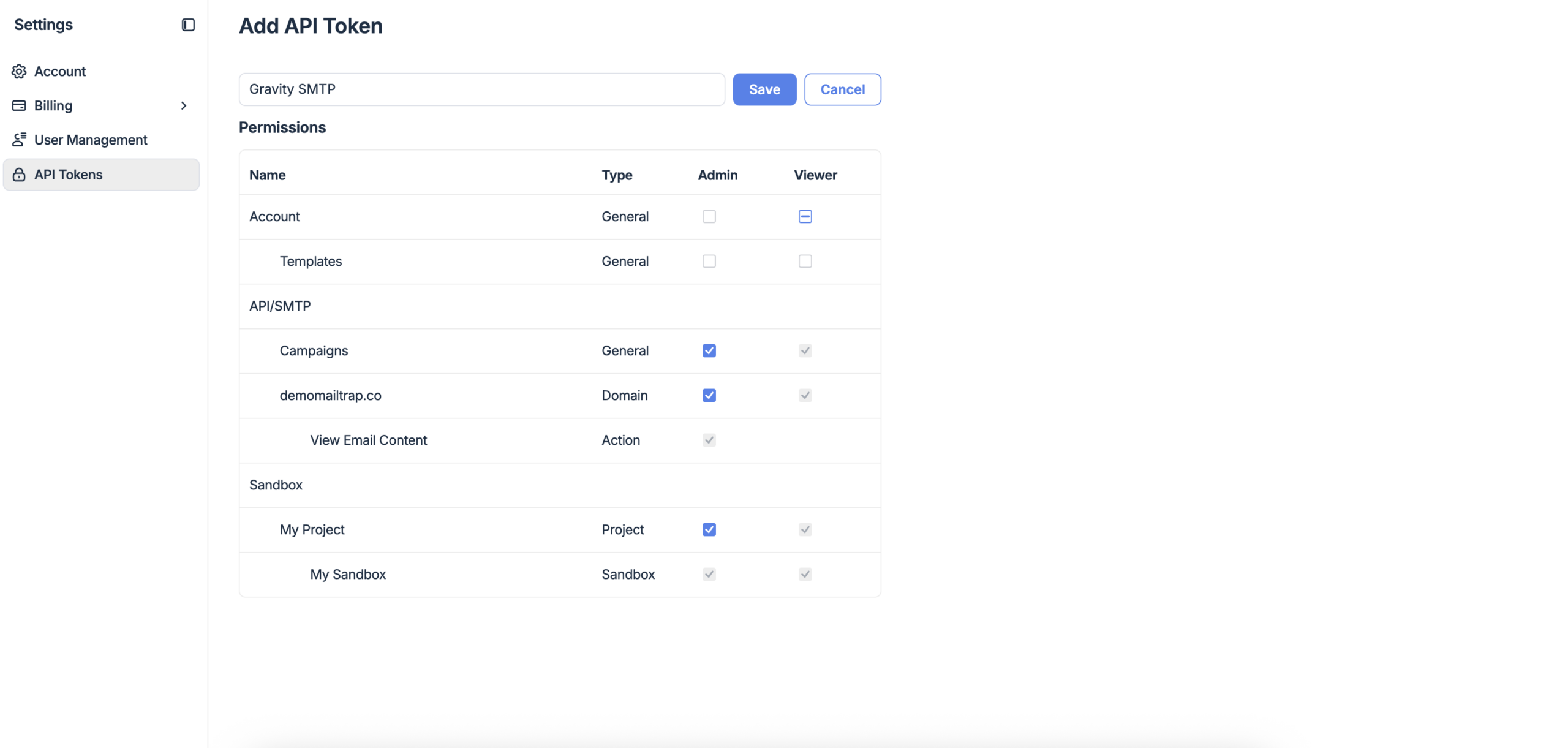
- Click Save.
- Copy and save your API token. Once you close this window, you will not be able to retrieve it. You will need it when configuring the Mailtrap Integration in Gravity SMTP.
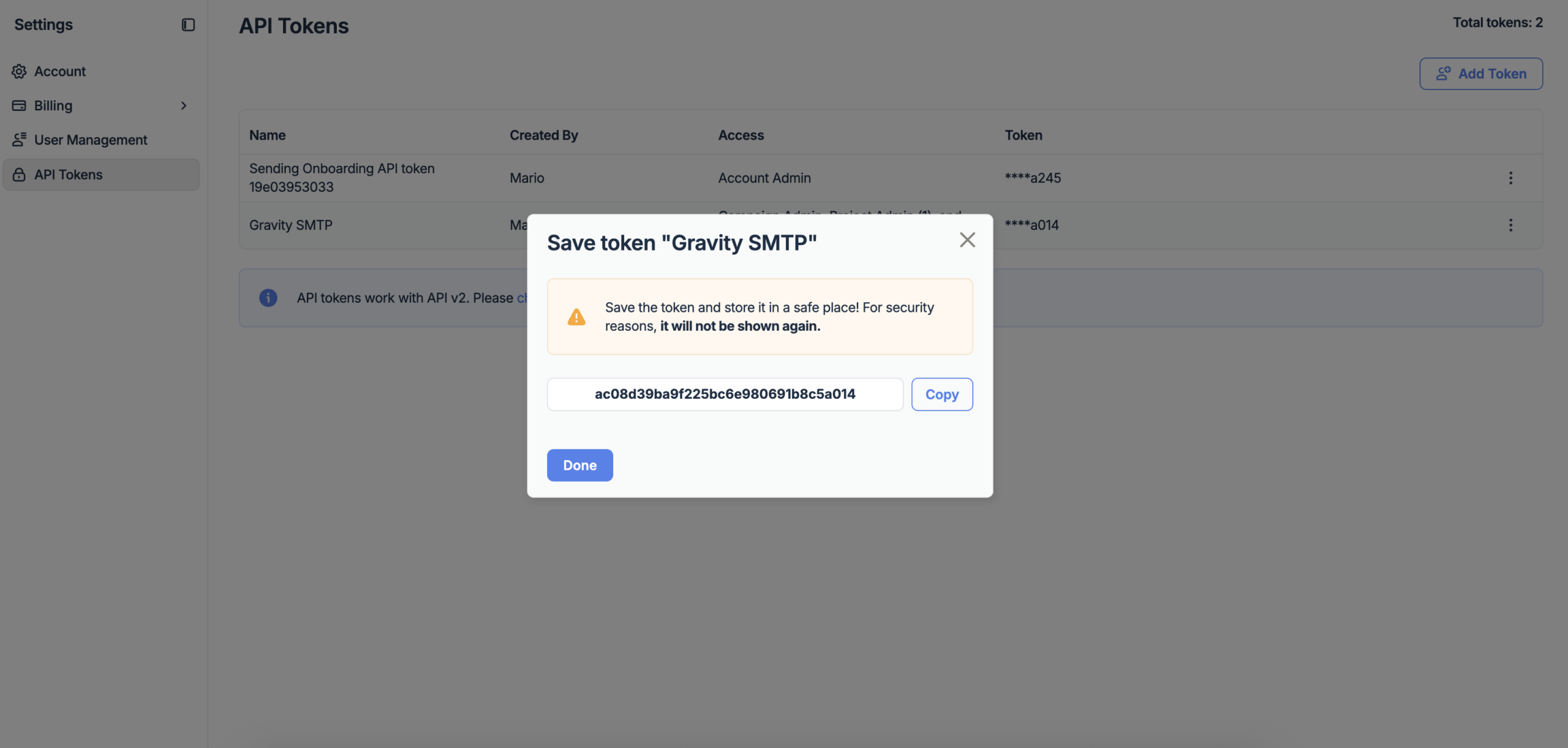
Once you have your token, you can configure your Mailtrap Integration settings within Gravity SMTP.
Email Sandbox
Mailtrap’s sandbox is a testing environment that captures outgoing emails without delivering them to real recipients, allowing you to safely test your email setup. If you plan to use Sandbox Mode in the Mailtrap Integration in Gravity SMTP, you will need your Sandbox Inbox ID.
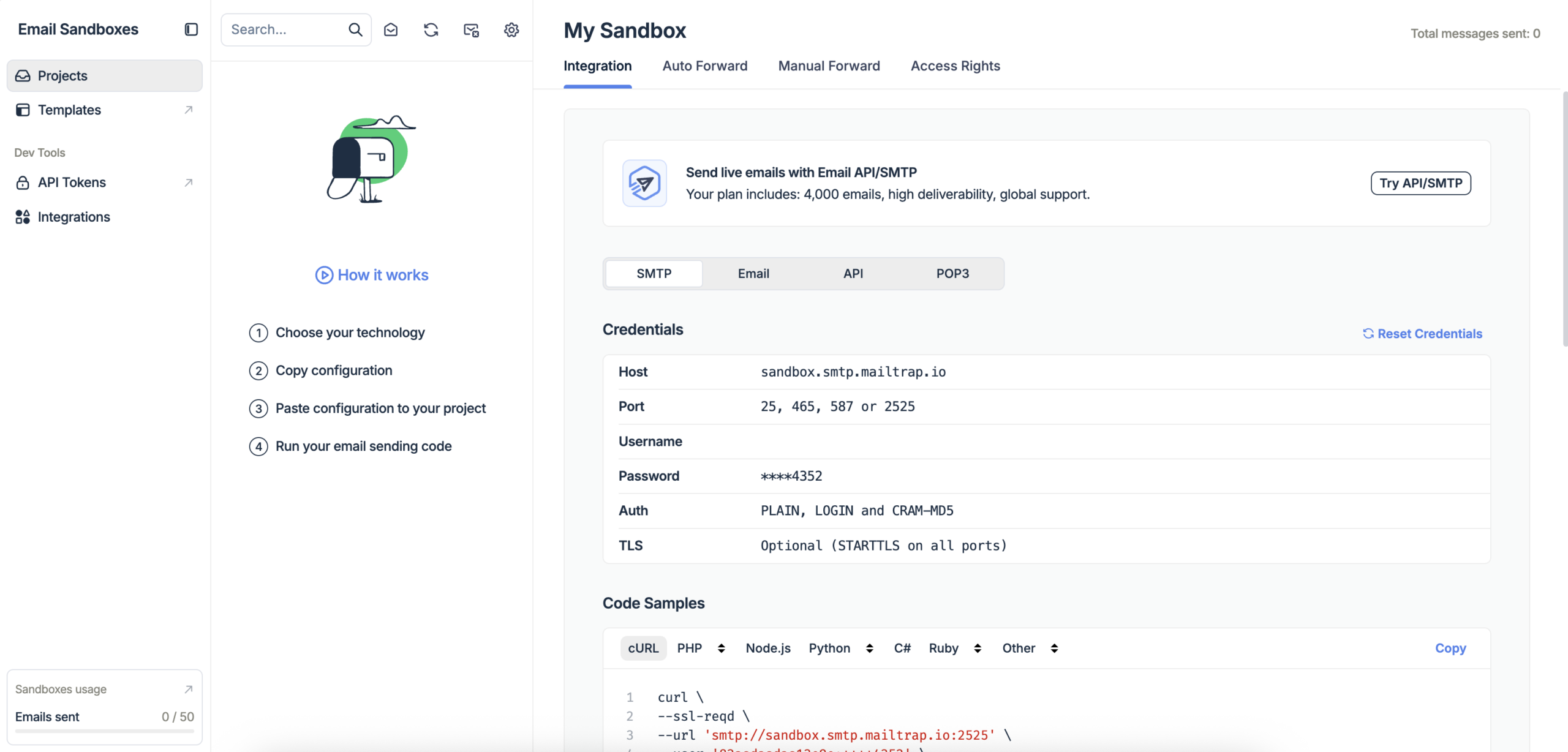
To find it, go to Email Testing → Sandboxes in your Mailtrap dashboard, open your sandbox, and go to the Integration tab, the numeric ID is shown there in the URL.

Refer to the Email Sandbox documentation from Mailtrap for more information.